
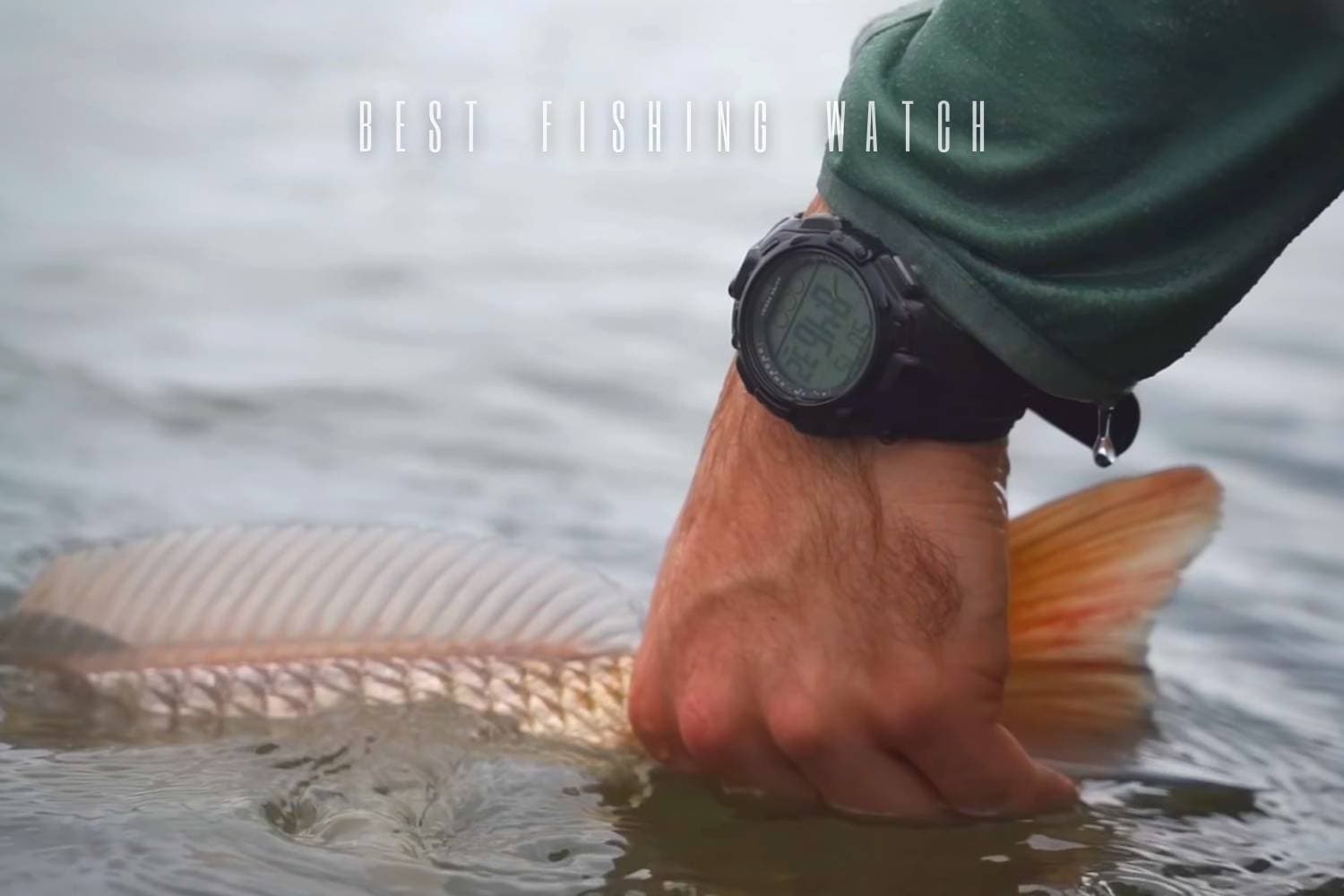
A fishing watch is useful when it reduces the number of separate actions you take on the water: checking time, glancing at direction, marking a location, monitoring an activity, or noticing a change in conditions. It becomes less useful when menus, charging, notifications, or a bulky case demand more attention than the fishing.
The watches below are article-era models. Their app links, satellite support, battery behavior, water ratings, and feature sets belong to the versions described at that time. Treat them as examples of different design priorities, and verify every technical detail for the exact generation on your wrist.
Decide what the watch must do
Write down the two or three functions you will actually use. For some anglers that is simply time, sunrise or sunset information, and a clear backlight. A hiker approaching remote water may value route guidance and a compass. Someone who already carries a dedicated navigation device may prefer a simpler watch with excellent legibility and long, predictable power behavior.
| User job | Prioritize | Avoid overvaluing |
|---|---|---|
| Local day fishing | Readable time, simple controls, and comfortable fit | Complex maps or notifications that remain unused. |
| Long approaches | Navigation tools, route handling, and dependable power planning | Assuming a watch replaces every other trip-planning tool. |
| Weather awareness | Easy access to pressure trends and alerts on supported models | Treating one wrist reading as a complete forecast. |
| Everyday plus fishing | Comfort, subdued design, and useful daily functions | A specialized feature list that makes the watch awkward to wear. |
A “fishing” label is less important than the fit between functions and routine. Tide, moon, sunrise, fitness, music, messages, and mapping can all be useful, but every added layer increases menus, power use, and setup. Choose the smallest set that genuinely improves a normal trip.
Article-era watches as design examples
The named generations illustrate several enduring approaches. These are historical feature boundaries, not claims about newer watches that share a family name.
| Article-era model | Recorded emphasis | Design lesson |
|---|---|---|
| Garmin Fenix 5 Plus | The described version combined color mapping, multiple navigation sensors, heart-rate tracking, music storage, and phone notifications in a relatively bulky case. | A broad feature set can replace several devices, but weight, menus, and power demand rise with it. |
| Garmin Instinct | This article-era model used a simpler monochrome display with navigation, compass, and heart-rate functions, without onboard music. | A pared-back interface can be easier to read and operate outdoors. |
| SUUNTO Traverse Alpha Foliage | The named generation emphasized GPS navigation, weather trends, storm alerts, moon information, sunrise and sunset, and a red backlight. | Fishing-oriented information is valuable only when the angler understands and checks the relevant screen. |
| Casio Pathfinder | The described Pathfinder paired solar charging with altimeter, barometer, compass, and world-time functions. | A non-smart design can deliver core outdoor information with fewer connectivity demands. |
| SUUNTO Core All Black Military Outdoor Watch | This version offered altimeter, barometer, compass, temperature, sunrise, sunset, and storm functions but no GPS. | Sensor tools and satellite navigation are separate capabilities. |
| Apple Watch Series 4 | The article-era watch emphasized calls, media, fitness, and phone-connected functions alongside navigation sensors. | Strong everyday connectivity can be either an advantage or an unwanted distraction while fishing. |
Navigation and weather tools need interpretation
A compass, altimeter, barometer, GPS track, or map is useful only when you know what the screen is showing and how it was configured. Practice before a trip. Learn how to return to a recorded point, how the watch displays direction, and whether a map or route remains available when a phone connection is absent. Do not assume present-day app or map support from an article-era feature list.
Pressure trends and storm alerts can add context, but they are not a guarantee about local conditions. Elevation changes can also affect pressure readings. Use a watch as one input within normal trip planning rather than as permission to remain out when the weather or water is deteriorating.
Power, display, and fit
Power claims depend on mode. Continuous navigation, a bright backlight, music, notifications, and sensor sampling can consume power differently from ordinary timekeeping. Build a charging or battery routine around the functions you enable, not the longest number printed for a low-power mode.
Check the display outdoors. High contrast and a clear backlight can be more valuable than color. Buttons should be operable with wet fingers or gloves without unlocking accidentally. Case diameter, thickness, strap material, and total weight affect casting comfort, especially when a jacket cuff or glove sits beside the watch.
Setup, maintenance, and a clean fishing profile
Configure only the screens you need and put the most useful data first. Disable notifications that do not help the trip. If the model records tracks or locations, name and organize them soon after use so the information remains meaningful. Confirm time, units, sensors, and power state before departure rather than changing settings on the bank.
- Rinse or clean the watch only as directed for that exact generation and strap material.
- Dry charging contacts and openings before connecting power.
- Inspect the strap and pins, because a secure case is no help if the attachment fails.
- Reconfirm water-use guidance after any repair, battery service, or seal-related work.
The best fit is the watch that delivers a few useful glances with minimal interruption. Historical models can clarify whether you prefer a full smartwatch, a rugged navigation watch, or a simpler sensor watch, but the exact generation still needs its own feature and care check.
